Build a mobile app your frontline team adores
Design real workflows with a no-code builder, then guide frontline workers through every visit step by step, fully offline. No developers required.
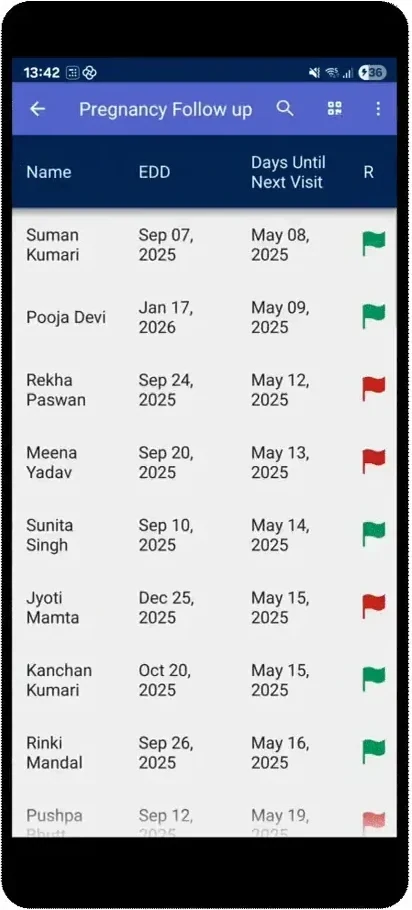
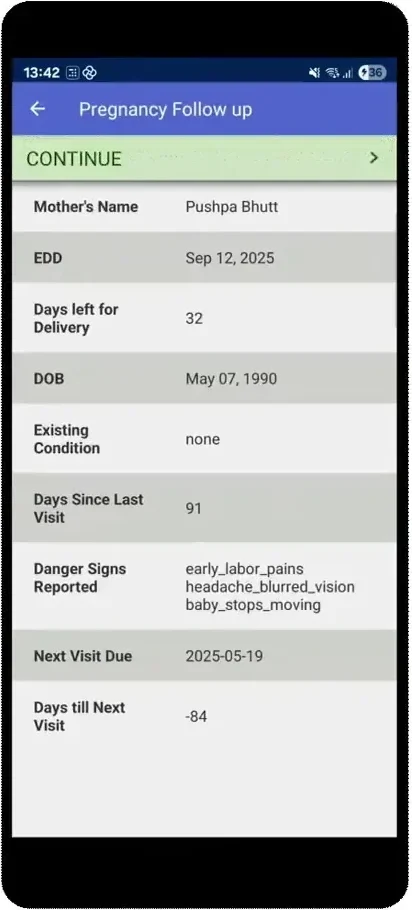
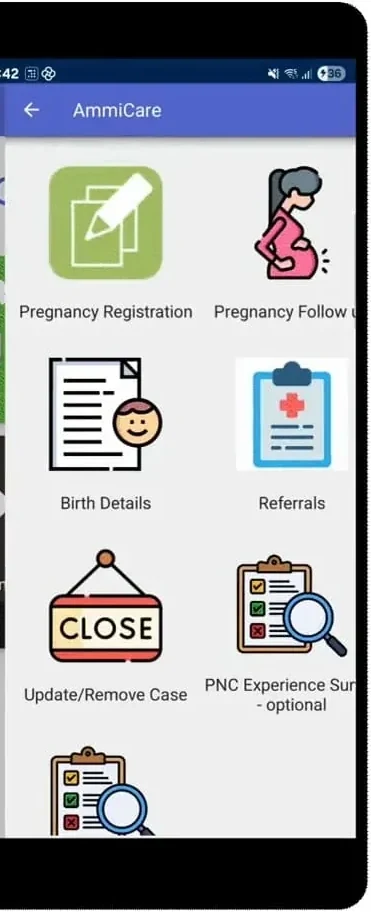
Off-the-shelf tools rarely fit frontline work
Most programs are told to either buy rigid software that never quite fits, or wait in a developer queue for months. Neither keeps up with how frontline work actually changes, and neither runs where the work happens: offline, in the field.
Rigid tools that never quite fit.
Months waiting on a developer queue.
Nothing that runs offline, in the field.
Watch your no-code app come together
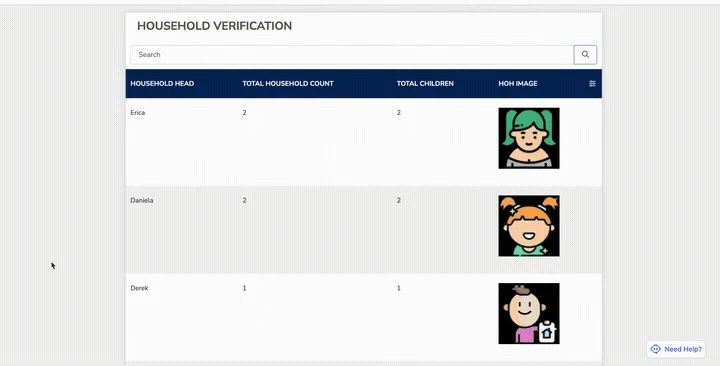
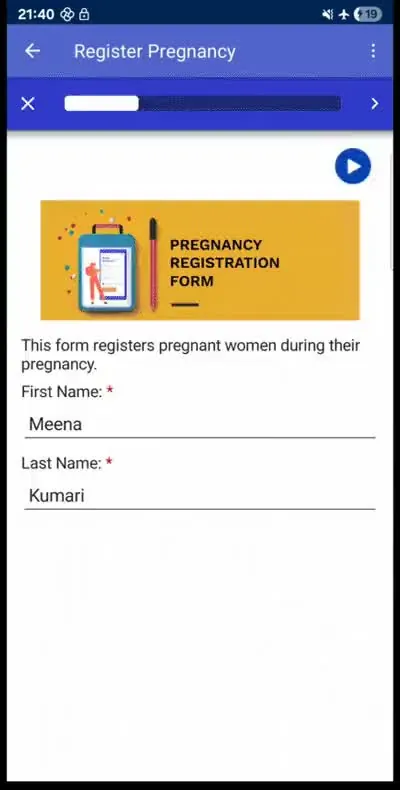
Choose your app: mobile or web
Deliver your workflow as a mobile app or a web app, whichever fits your users. Both connect to two-way SMS, so you can reach clients by text too.
- Mobile app that works fully offline for frontline teams
- Web app that runs in any browser for office-based users
- Both support two-way SMS for reaching clients by text
Build the workflow
Use CommCare’s no-code app builder to create forms and workflows around how your program actually operates.
- Drag-and-drop form building
- Cases that carry information forward
- Skip logic and validation
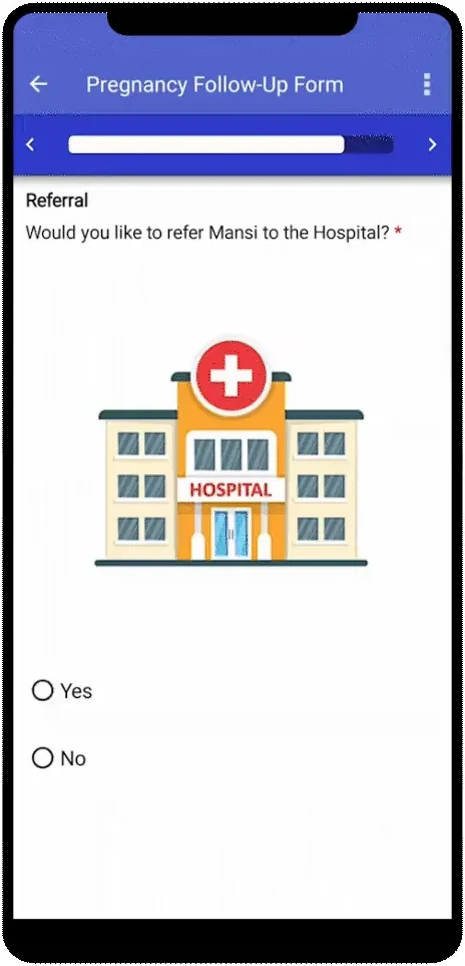
- Guided referrals with complete client history
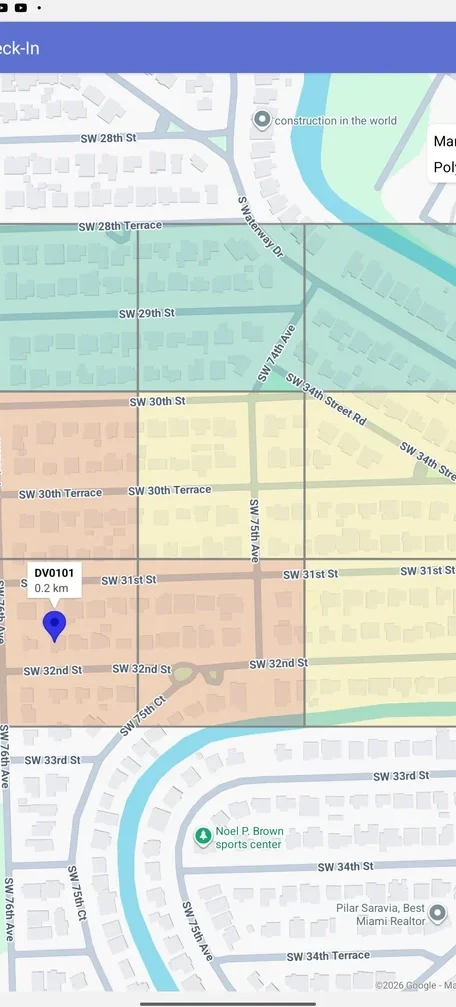
Add language, media, and context
Make each interaction relevant to the person and the place. Add multiple languages, rich media, and GPS location, so every case carries the context teams need.
- Multilingual forms and interfaces
- Images, audio, and video
- GPS and location capture
- Guidance tailored to the user, client, and context
Deliver guidance anywhere, fully offline
Give frontline workers step-by-step job aids and decision support that work fully offline, syncing automatically when a connection returns.
- Open, complete, and save work offline
- Keep every worker on protocol
- Capture photos, audio, and locations in the field
- Complete referrals without losing client history
See one app in action
WellMe, a resilience app built on CommCare, gives frontline workers video lessons and self-care tools they can open anytime. Like every CommCare app, it works fully offline and syncs the moment a connection returns.
Explore WellMeNext, take your apps further
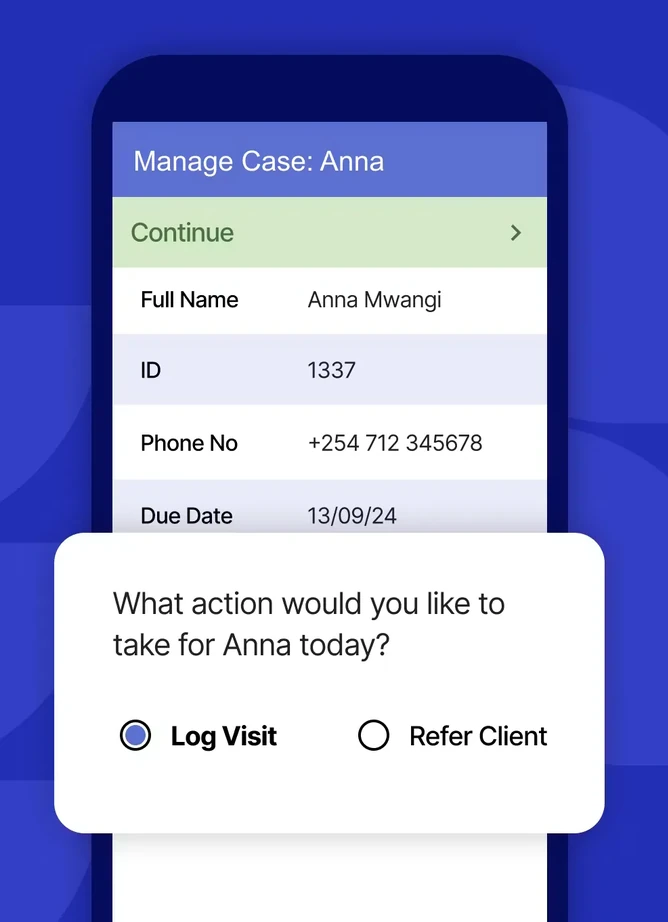
Manage every client with case management
Give every client one living record, so nothing falls through the cracks between visits.
- Assign and route cases across your team
- Automatic follow-ups and escalations
- The full client history at every visit
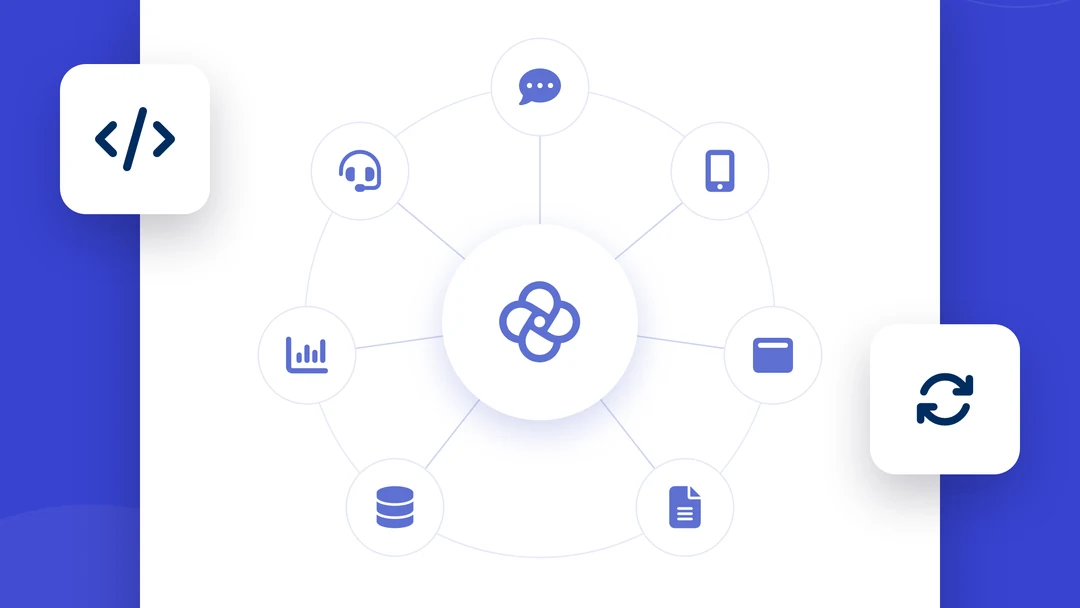
Connect your app to everything else
Sync CommCare with the dashboards, messaging, and systems your program already runs.
- Built-in integrations and open APIs
- Push data to dashboards in real time
- Two-way messaging and alerts