Manage your people and apps from one place
Manage your people, roll out apps across every program, and oversee it all.
Your whole team, organized your way
Bring everyone on board, and keep them on track.
- Onboard hundreds in minutesAdd workers with bulk upload, or sync them from your own systems with the User and Location APIs.→
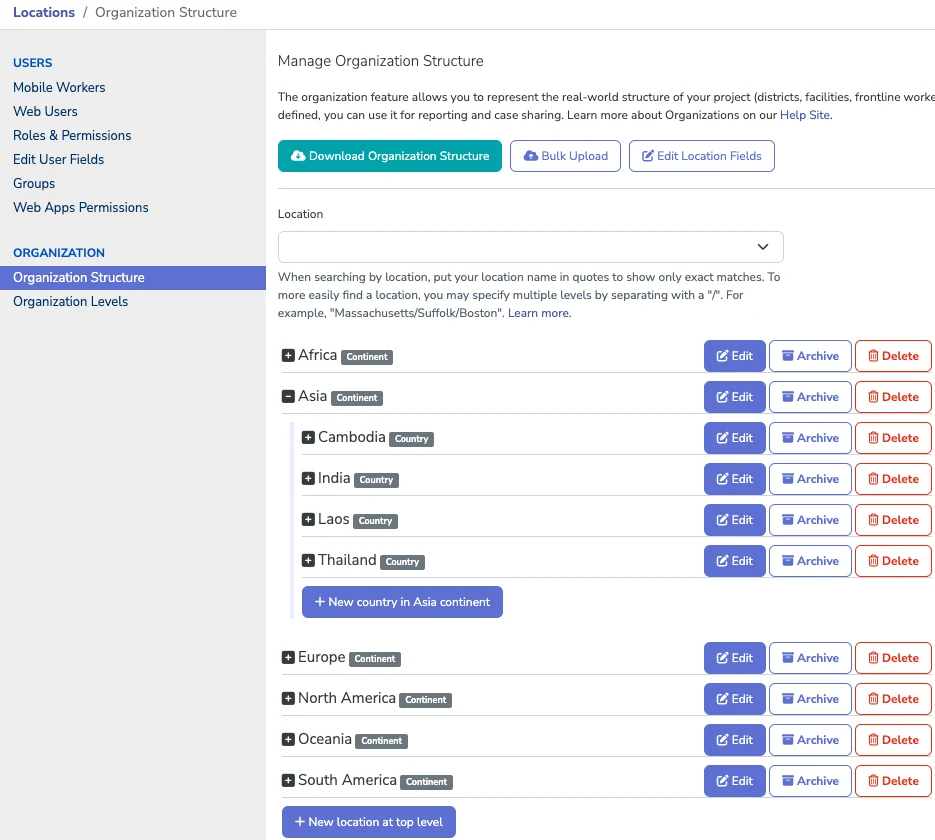
- Give everyone the right accessMirror your program with locations, and set what each person can see and do with roles and permissions.→
- Spot who needs supportWorker Activity shows who is submitting, who is falling behind, and who needs a hand.→
project space in one view
One set of controls across a global organization
Standardizing on CommCare gave Catholic Relief Services control over users, permissions, and project spaces, with one dashboard to watch usage across hundreds of project spaces, and enterprise settings such as who can create a new project space.
Read the case study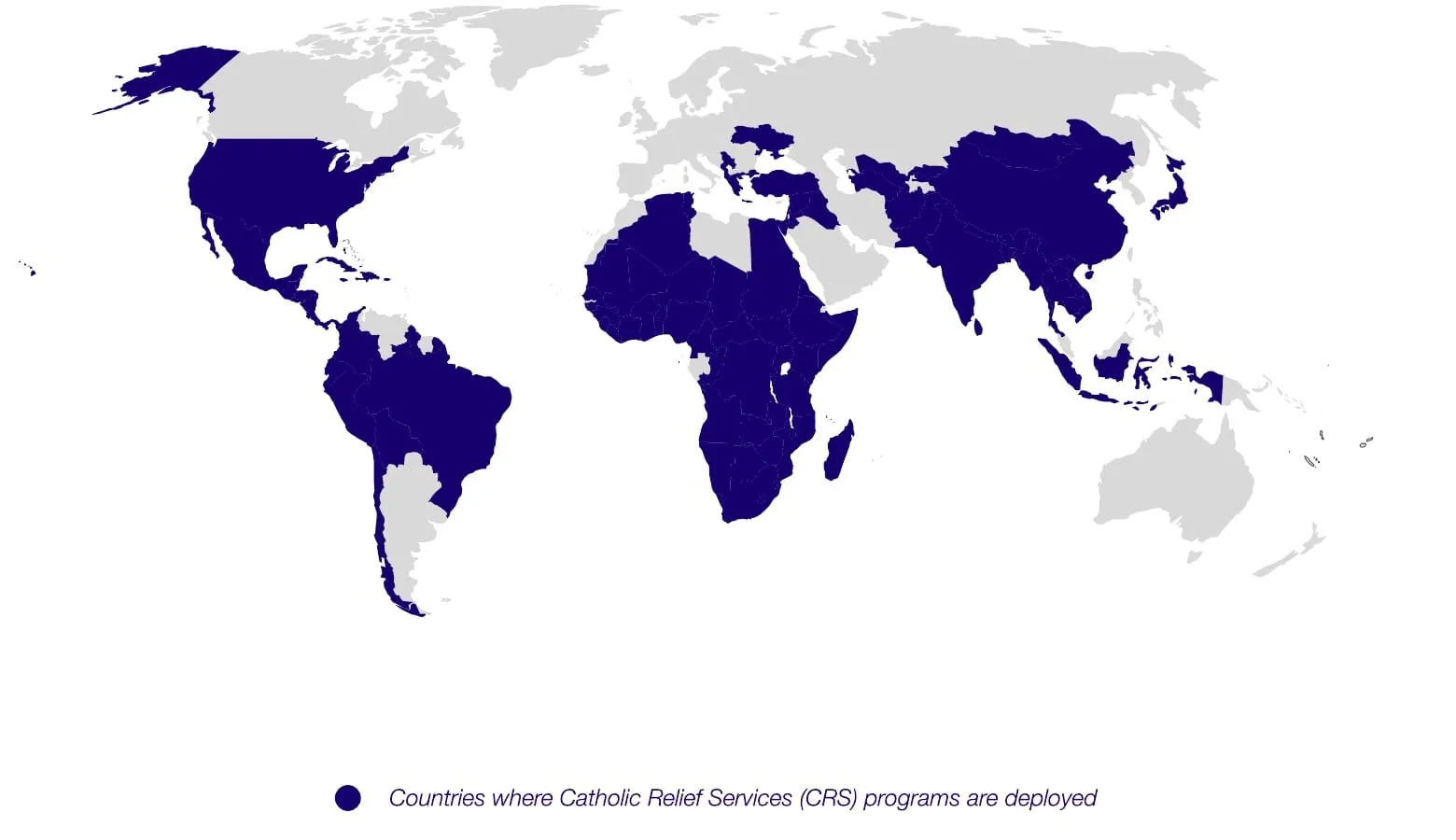
Release safely. Roll out everywhere.
Change apps with confidence, in one program or a hundred.
- Ship updates without the riskTest, then release every change, and roll back to any earlier version.→
- Roll out one app everywherePush it to every program with linked apps, or to many at once with Enterprise Release Management.→
- Keep what matters consistentNewLocked questions stay exactly as you built them. Global Indicators are up next.→
from two master apps
One malaria program, 17 countries, eight languages
Two master apps feed every country’s project space in the VectorLink indoor spraying program, with lookup tables tailoring each one. Nearly 2,000 users were set up in 2020 alone.
Read the case study
Oversight across your whole organization
One view, and one set of rules, for every project space.
- See your whole organizationThe Enterprise Console shows users, activity, and app versions across every project space, with usage alerts before you hit your limit.→
- Lock down every accountRequire single sign-on and two-factor sign-in, and let the Security Center find the gaps.→
- Know who changed whatUser History shows changes to each user, including password resets.
monitored around the clock
Your data, protected at every step
CommCare is SOC 2 Type 2, HIPAA, and GDPR compliant, encrypts data with AES-256, and lets you choose where your data lives.
Learn more about data security