Case management software that turns surveys into a living record
Nonprofits, governments, and health programs use CommCare to give every client one living record: assign it, share it, refer it, and see the full history at every visit, even offline.
Surveys weren’t built to follow a story
A survey tool is a great place to start. But it captures one moment and then files it away, with nothing tying today’s visit to the last one. As a program grows past one-off data collection, teams need case management software that keeps one record per client instead of a pile of disconnected forms.

What case management software does that survey tools can’t
The same client generates a lot of forms. The difference is whether anything holds them together.
Twenty forms, one client
Every visit is its own form, and nothing ties them together. The story lives in a pile, or in someone’s head.
One record, connected across areas
One connected record. Every visit updates the same case, and it links out across referrals, household, location, team, and reports.
We chose CommCare for its flexibility to customize forms, its ability to have advanced case management for different types of clients, and its offline capability in the field.
 Rewas AbdullahSEED Foundation · Senior MEAL Manager
From list to full case history
Step through every screen a worker actually uses, from the caseload they start on to updating many cases at once.
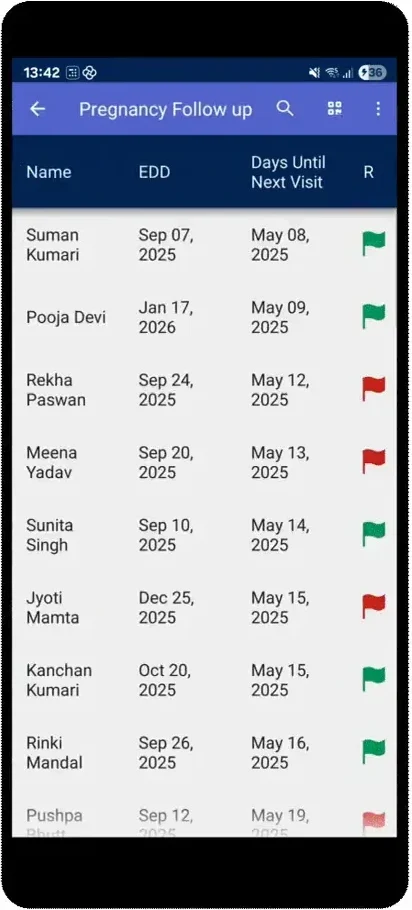
Every case your team is tracking, in one list
- Sort and flag by what is due before you open anything
- See status for every case at a glance
- Built from the same case data your reports and dashboards use
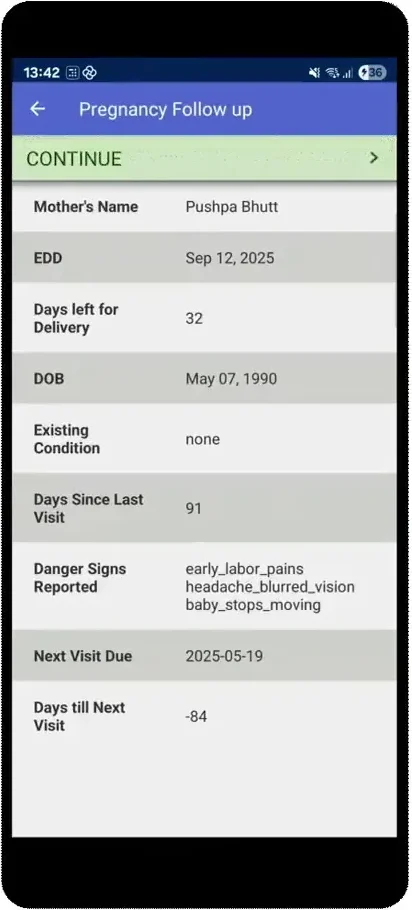
Open a case, see the whole history
- The full record: history, status, and next visit due
- Jump straight into the next follow-up form from the case
- Anyone can pick up right where the last visit left off
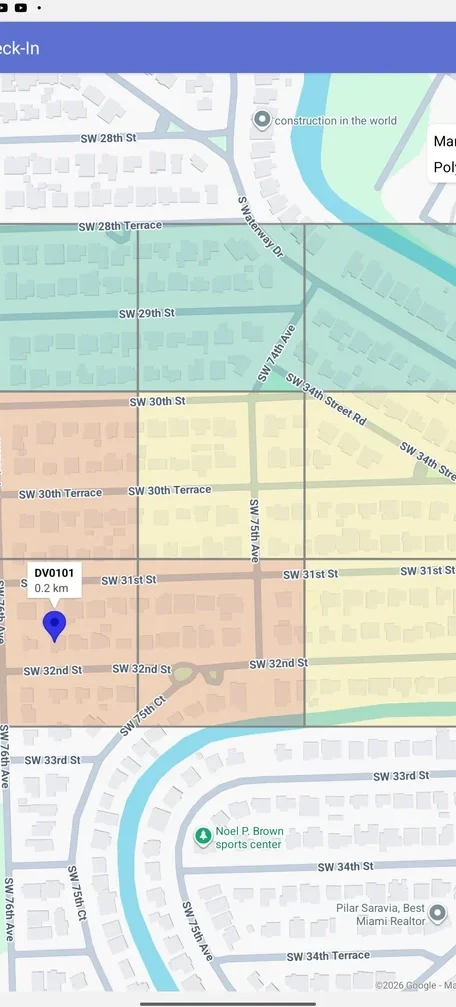
See every case on the map
- Administrative boundaries render right on the case list map
- Every case shows in its real geographic context
- Supervisors see where each case stands at a glance
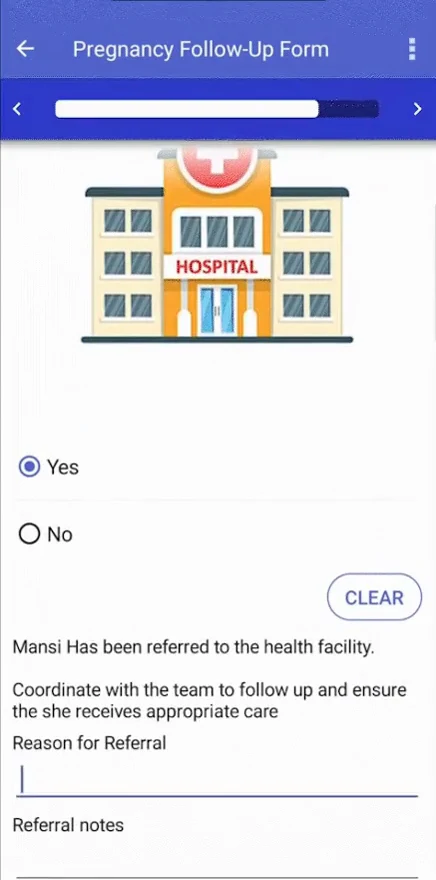
Assign, share, and refer
- Assign a case by role, group, or location
- Share a caseload so coverage never depends on one person
- Refer and escalate without losing any history
Bulk update and link cases
- Save to multiple cases at once: One form creates, updates, or closes cases across multiple case types in a single submission.
- Link to parent cases: Establish parent and child relationships directly from form actions, without complex configuration.
- Modify an unrelated case: Update any case in the system from any form, not just the case the form was opened against.
Edit hundreds of cases at once
- Filter to the exact set of cases you need
- Deduplicate, correct, and update them together
- Clean up data program-wide without touching records one by one
Case management software, where it counts
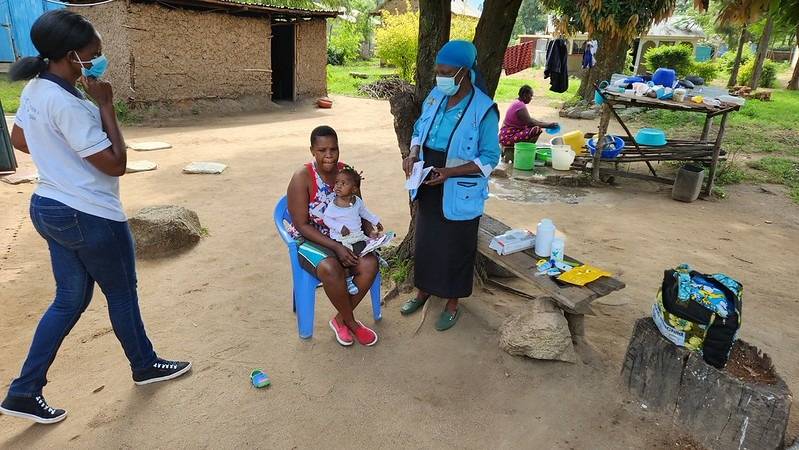
5 Ways to Automate Frontline Workflows with Case Management
Practical ways digital case management takes repetitive work, like eligibility checks and follow-up scheduling, off frontline teams.
Read the post ↗
Powering Contact Tracing with AWS in New York State
How CommCare and Amazon Connect helped New York State stand up and scale contact tracing fast.
Read the post ↗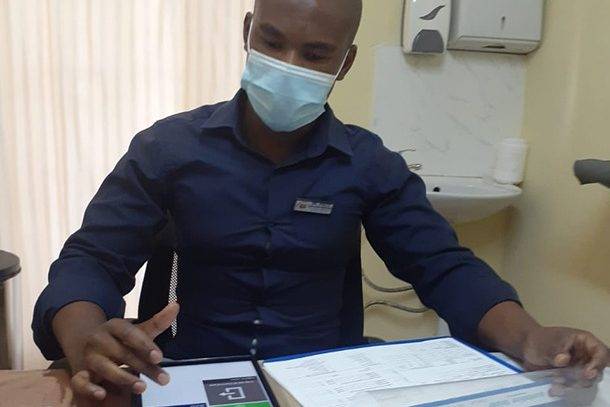
EGPAF & Baylor in Lesotho: CommCare for HIV Patient Tracking
How two organizations used CommCare to track HIV patients across facilities in Lesotho.
Read the post ↗